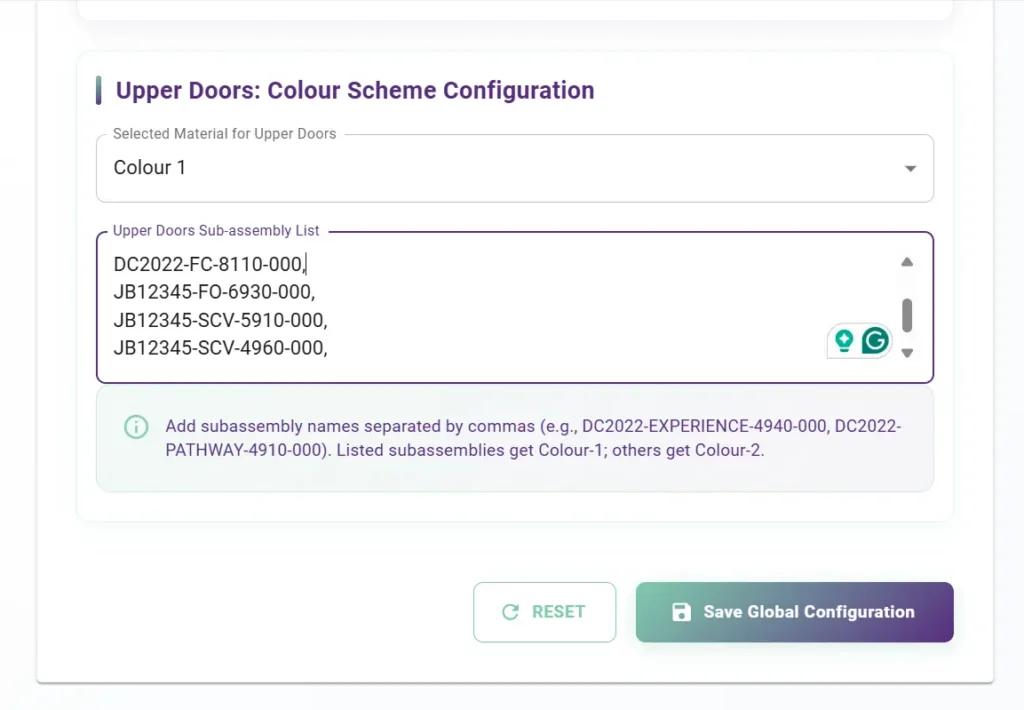
Complex colour logic: Managing complicated upper–lower cabinet colour rules across multiple design schemes (including COASTAL LUXE) was difficult to standardize.
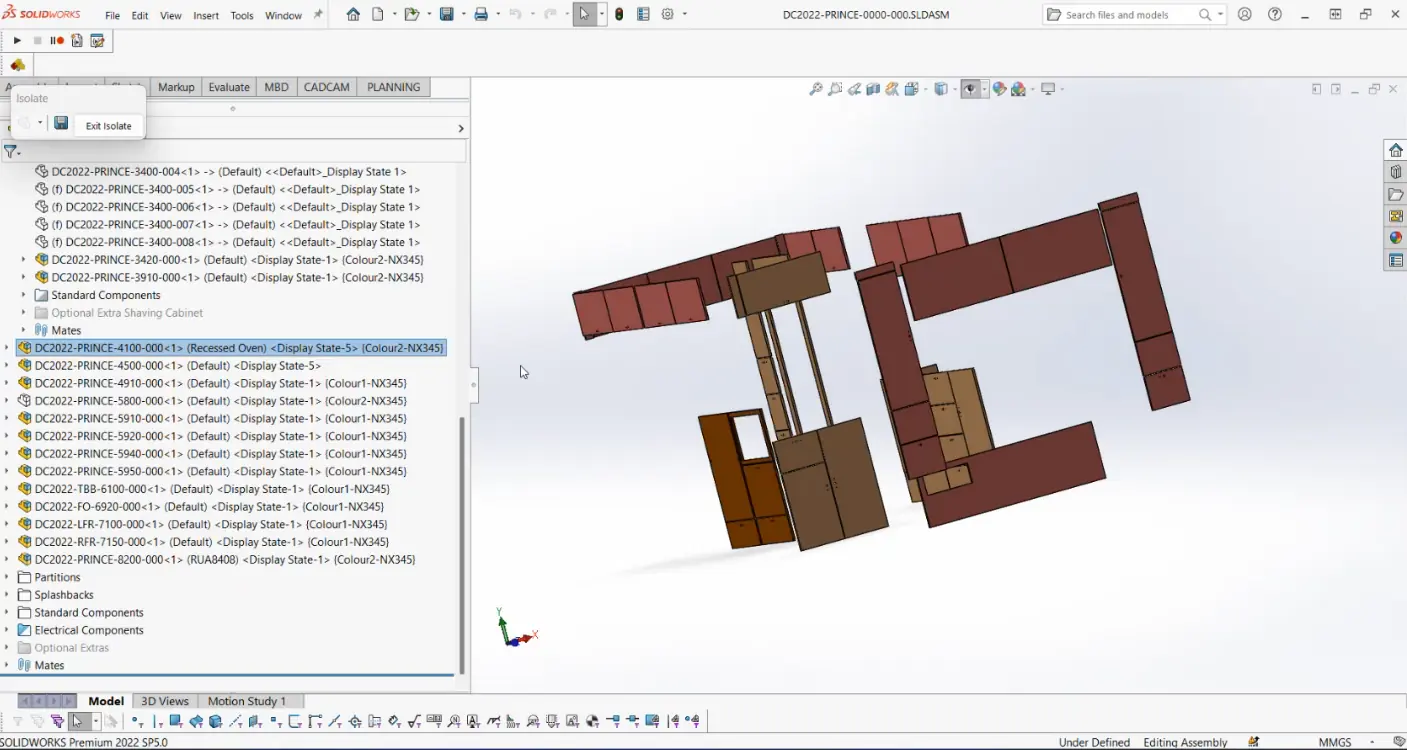
Manual assignments: Colouring doors by hand in SolidWorks was slow, repetitive, and error-prone, especially in assemblies with dozens of configurations.
Inconsistent results: Different users often applied colours or materials differently, leading to visual and data mismatches in design.
Data management headaches: Keeping component references, material names, and colour codes in sync across configurations required constant manual verification.
High rework rate: Any model revision or colour scheme change meant redoing assignments from scratch, consuming valuable engineering time.
Reporting bottlenecks: Preparing CSV or Excel summaries of colour allocations for manufacturing was tedious and error-prone.
Scalability issues: Expanding to new product lines or customer-specific schemes amplified these challenges, making manual processes unsustainable.
Limited traceability: Without automation, it was difficult to track which configurations used which colour sets, causing confusion during quality checks or audits.